Your Android & Mac. In complete sync.
The local-first continuity link that Apple forgot to build. Universal clipboard sync, native macOS notification mirroring, 1-click 2FA SMS code autofill, and high-speed LAN file transfer.
Experience LocalMetro in Real Time
Click any action below to watch messages route between macOS and Android over the local wire protocol.
 LocalMetro Android
Everything moves across effortlessly.
Engineered for developers, designers, and power users who work on a Mac and carry an Android.
Universal Bi-Directional Clipboard
Copy text, commands, tokens, or links on your Mac—and paste them right away on your phone. Tap "Send Clipboard" on Android to send your phone's clipboard straight into macOS.
SMS & 2FA OTP Fast-Forward
Stop picking up your phone to read verification codes. When an SMS arrives on Android, LocalMetro detects the 4–8 digit OTP code and shows a native banner with a 1-click Copy Code action button.
Native Notification Center
WhatsApp, Slack, banking alerts, and phone calls mirror into authentic macOS notification banners. Filter by app so only high-signal alerts break through.
Direct LAN File Transfer
Drop raw photos, 4K video clips, and archives directly between phone storage and Finder. Never throttled by cloud upload quotas or slow internet speeds.
4-Tier Discovery Engine
Auto-resolves connection via USB Wired (192.168.42.x) → Wi-Fi mDNS → Mobile Hotspot Beaconing (:47655) → Cloud Relay. Never loses pairing.
Zero Cloud Guarantee
No accounts to sign into. No remote servers handling your clipboard or SMS codes. Everything is strictly peer-to-peer over your local network.
Inspecting the Design System & Screens
Explore the real production UI crafted for macOS (SwiftUI) and Android (Jetpack Compose). Click any card for detailed high-resolution inspection.
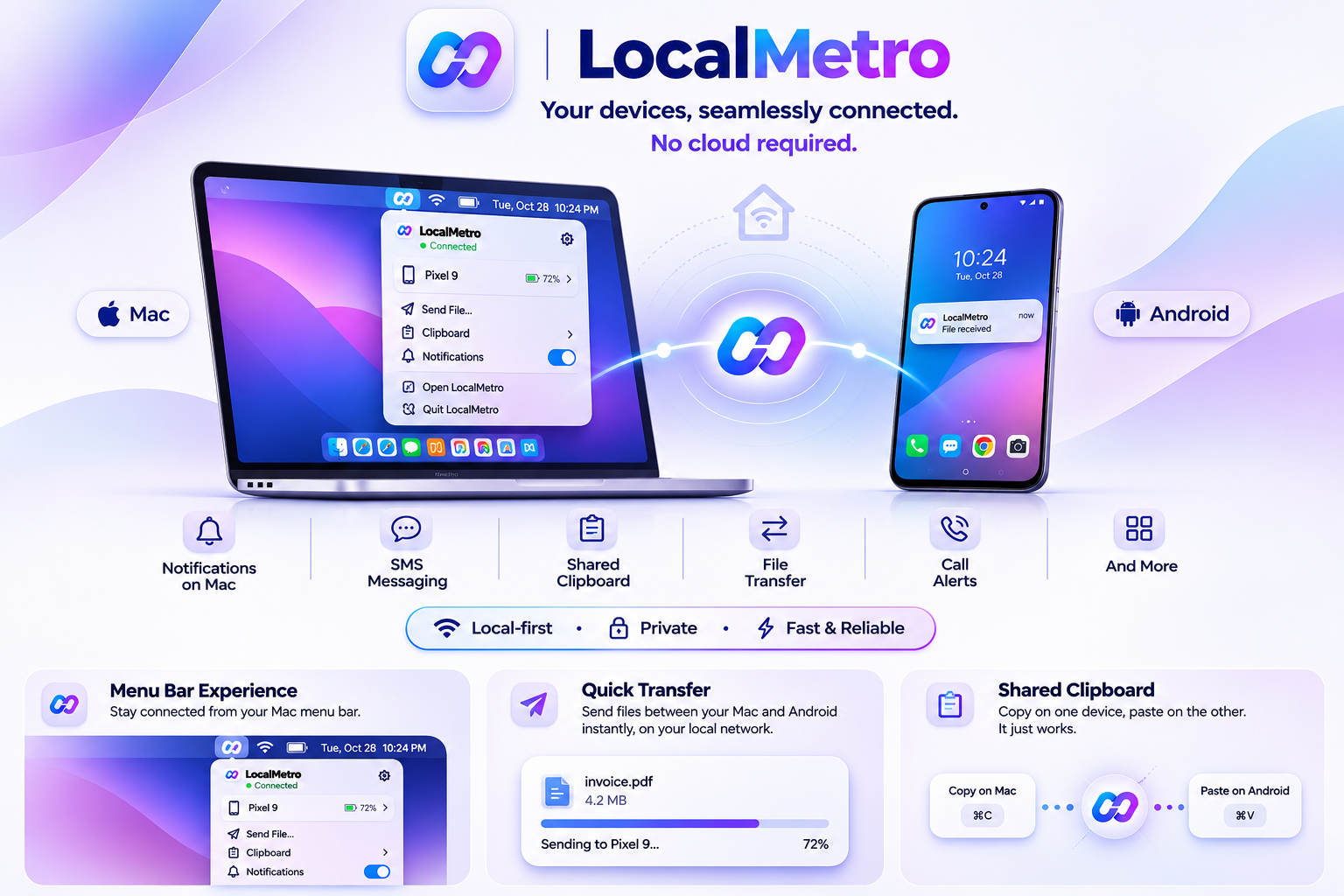
Menu Bar Popover & Connection Status
Frosted translucent popover with instant device telemetry, battery indicator, quick-text messenger, and toggle controls.
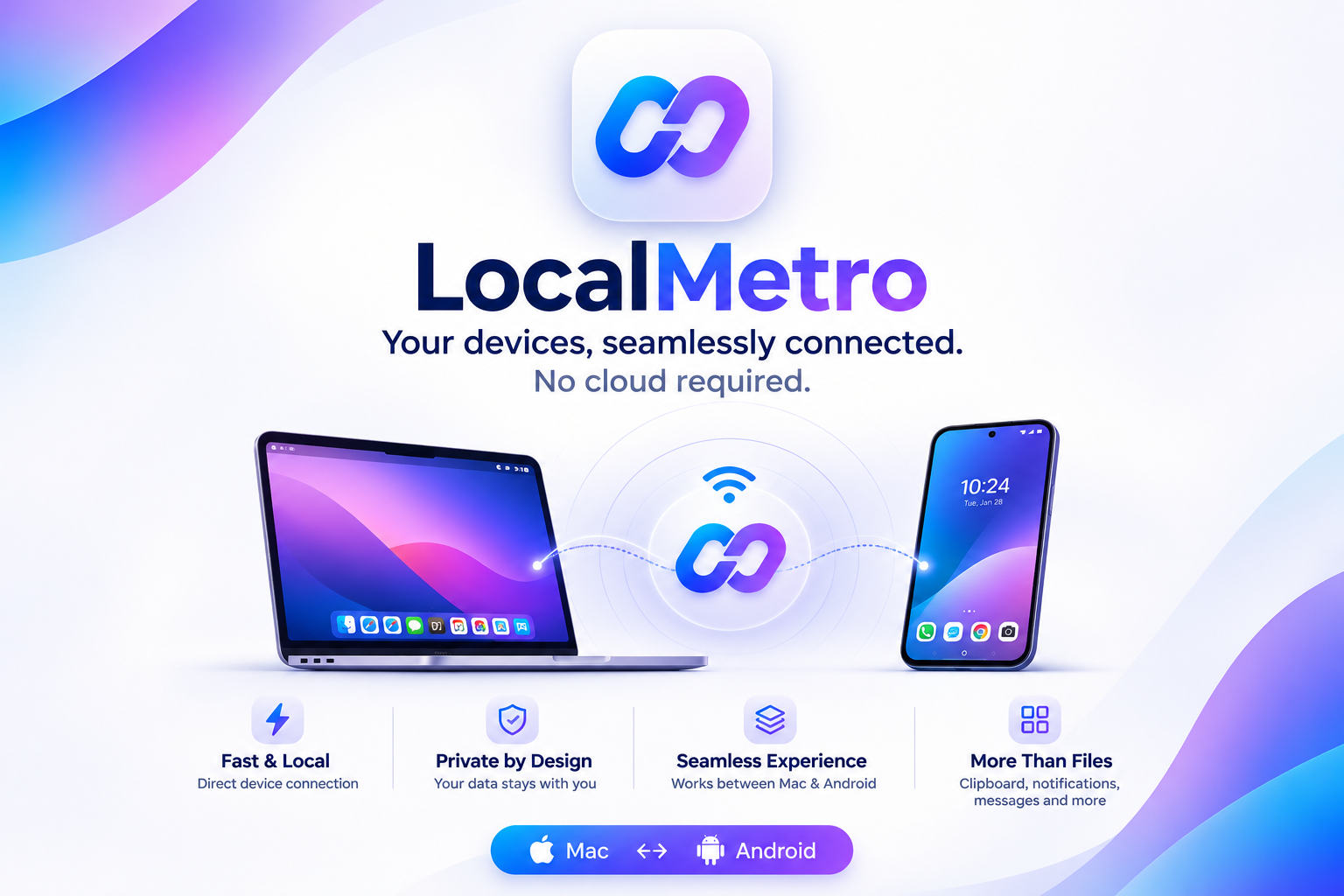
Fast & Local Wi-Fi Sync Engine
Automatic peer discovery using mDNS (_localmetro._tcp) and fallback gateway UDP beaconing over port 47655.
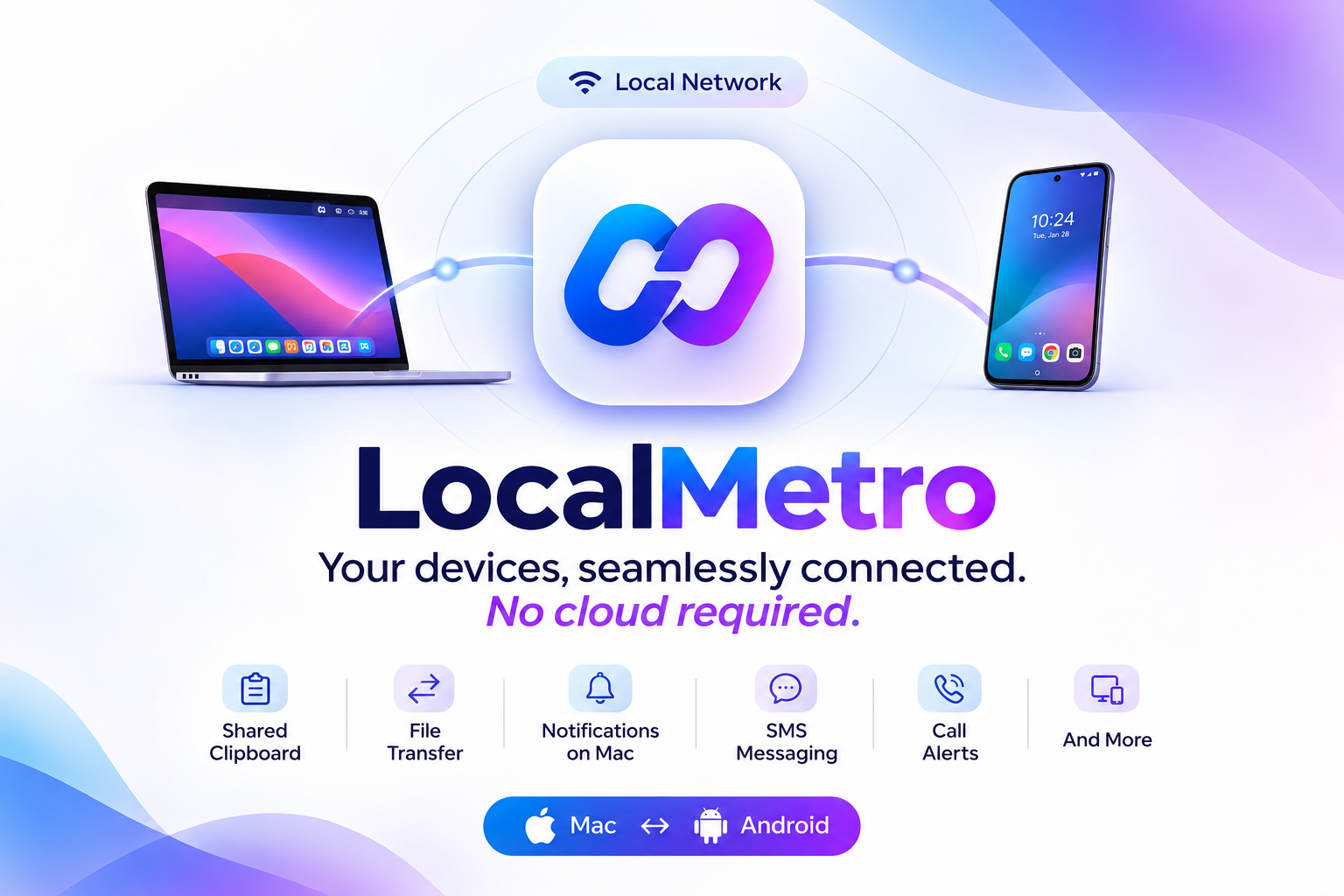
Shared Bi-Directional Clipboard
Seamless clipboard synchronisation across phone and desktop. Copy a link or code on Mac, paste immediately on Android.
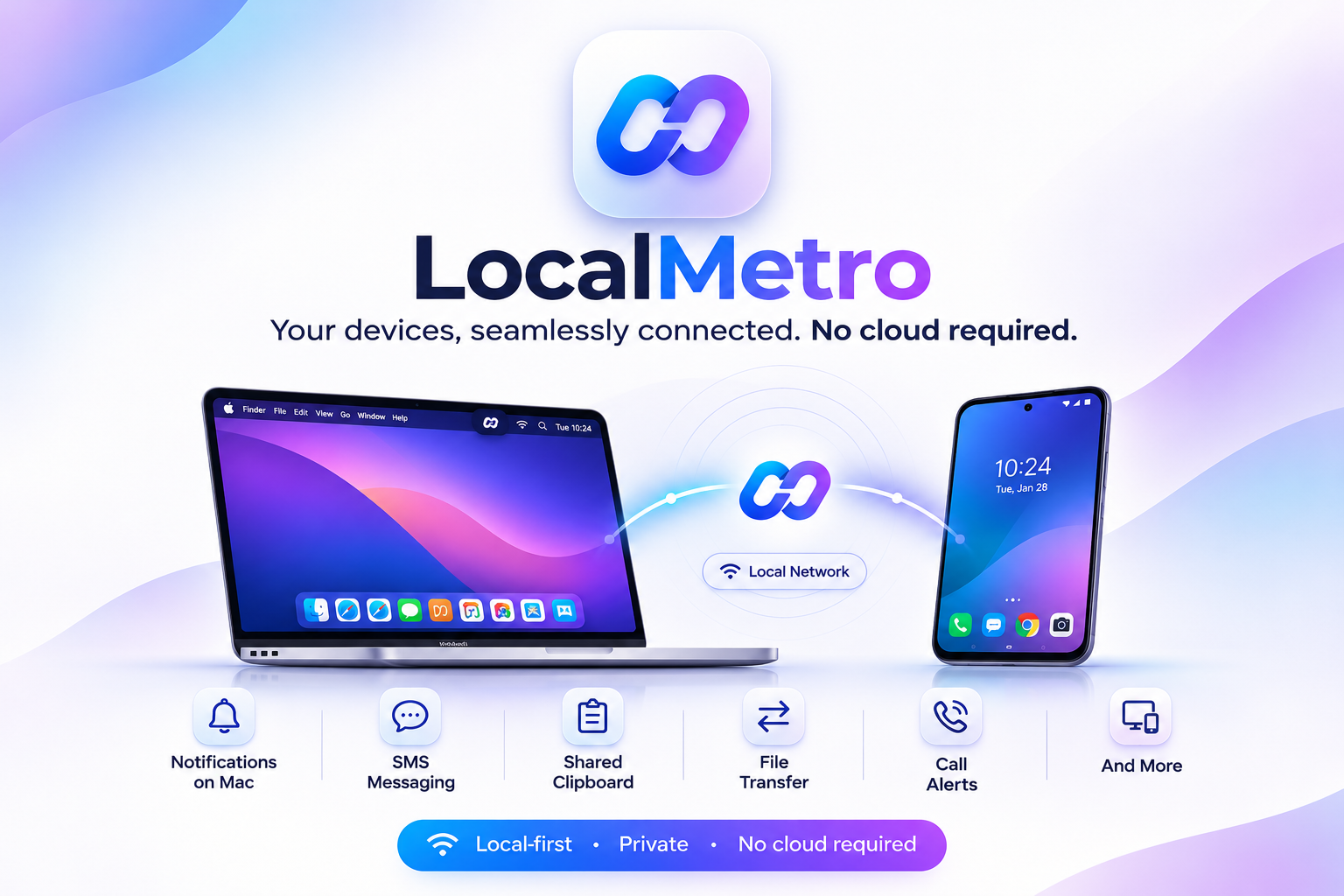
File Transfer & Storage Explorer
Direct gigabit LAN file transfer between Android storage and macOS Finder with progress tracking and drag-and-drop support.
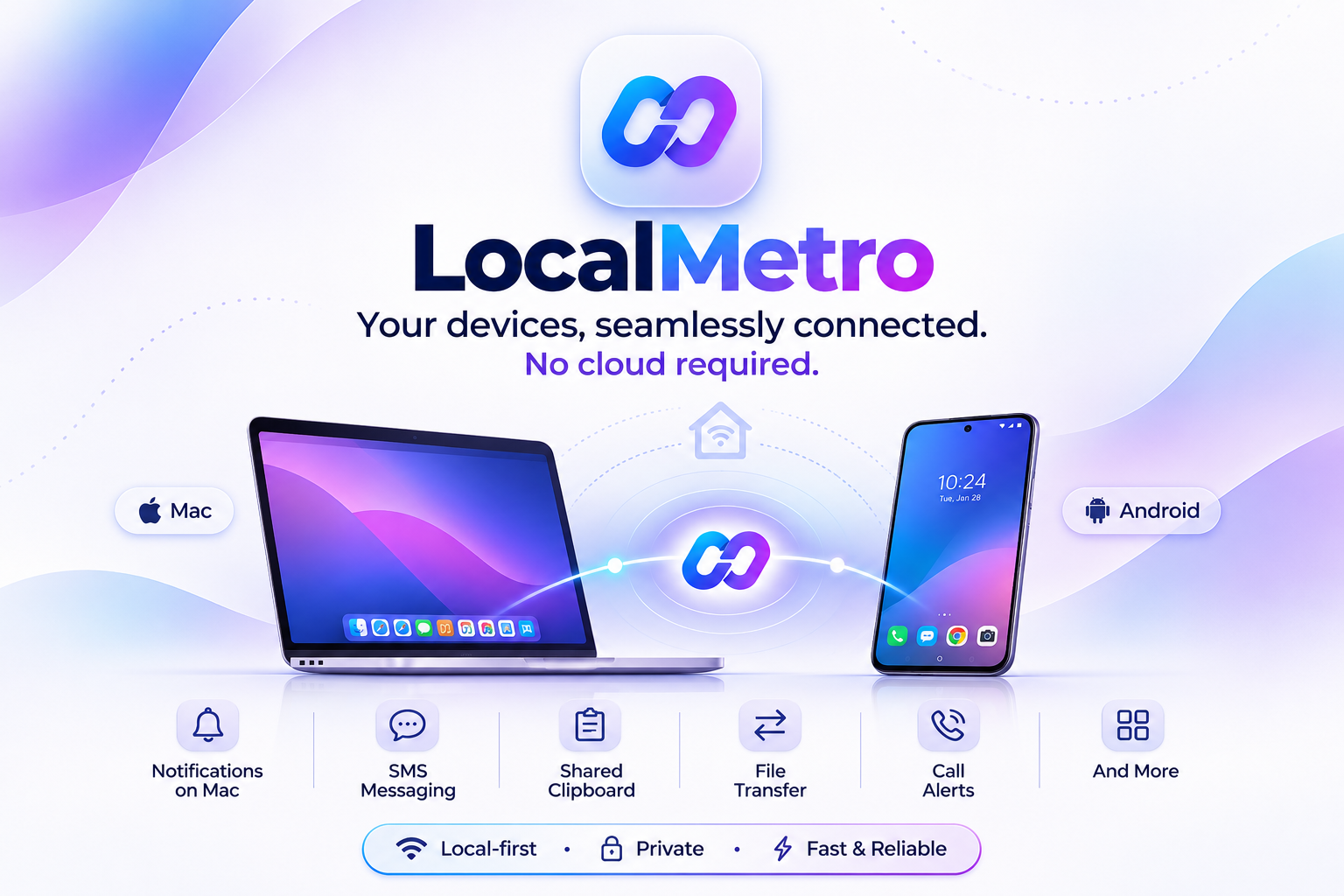
Native macOS Notification Mirroring
Phone notifications rendered as authentic macOS Notification Center banners with app badges and inline actions.
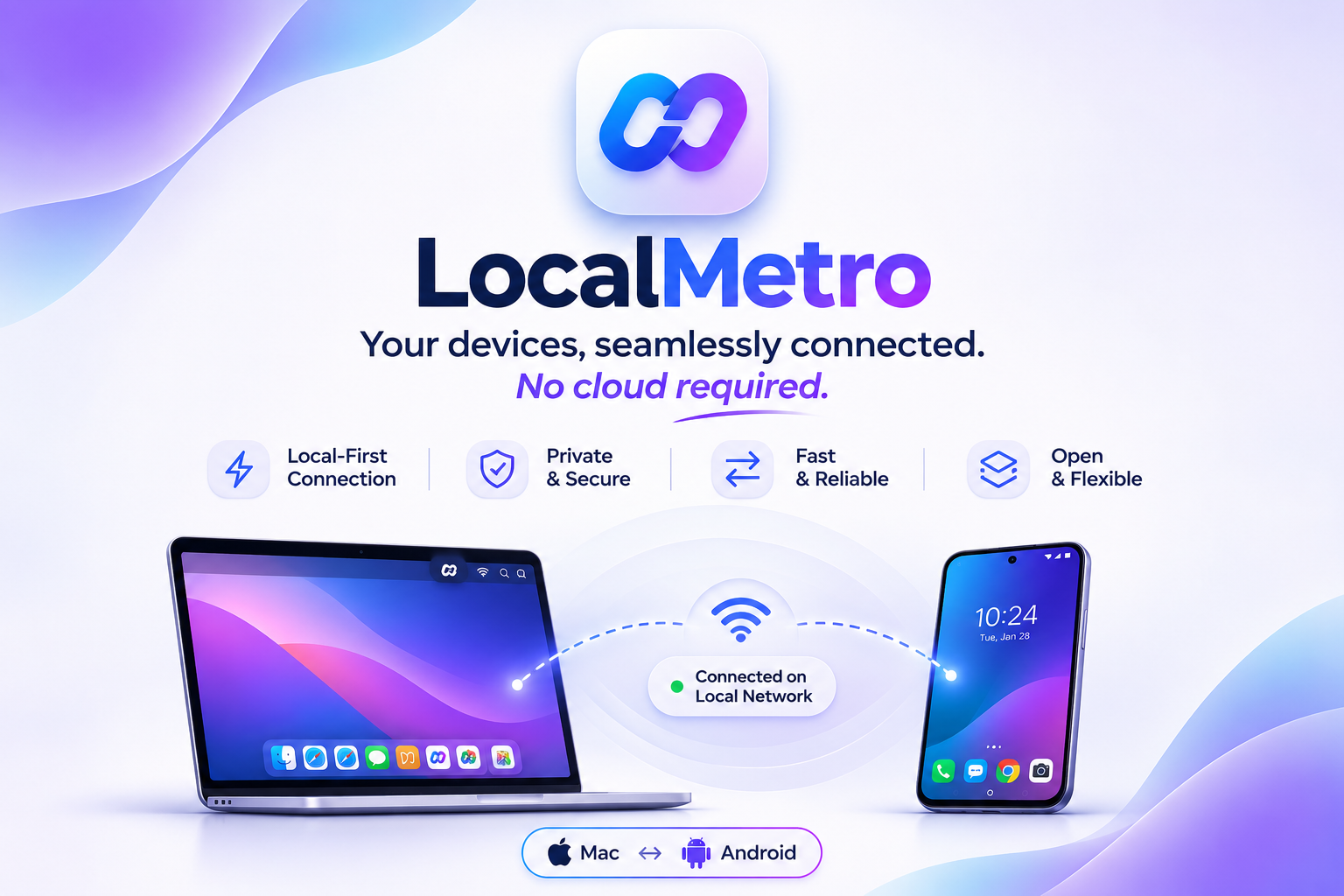
Local-First Zero-Cloud Security
Complete privacy guarantee. No third-party servers, no analytics beacons, and no sign-up forms. 100% on your local network.
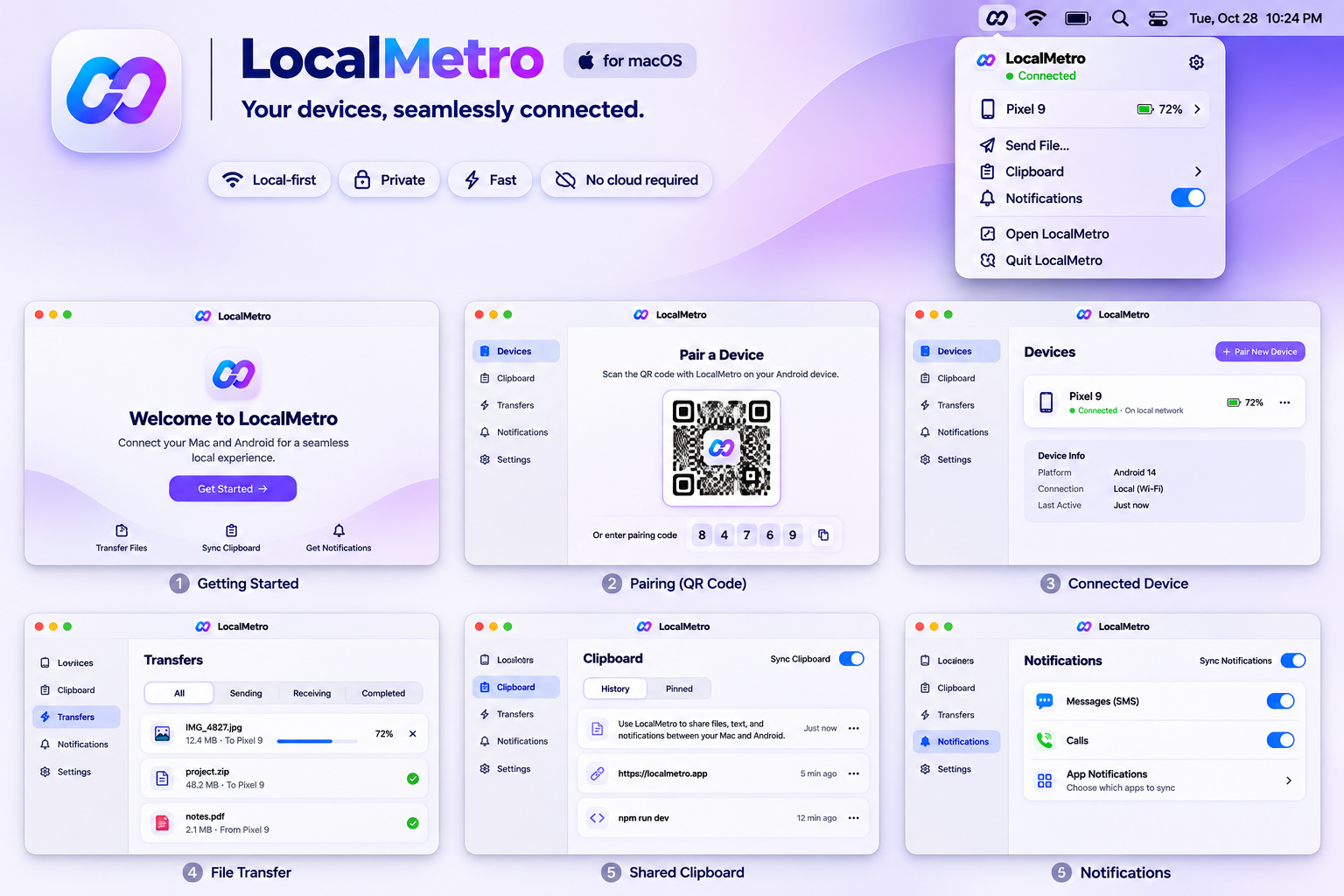
macOS Design System & Screens
Complete design guide covering Welcome, Pairing QR, Connected Device, File Transfers, Clipboard, and Settings.
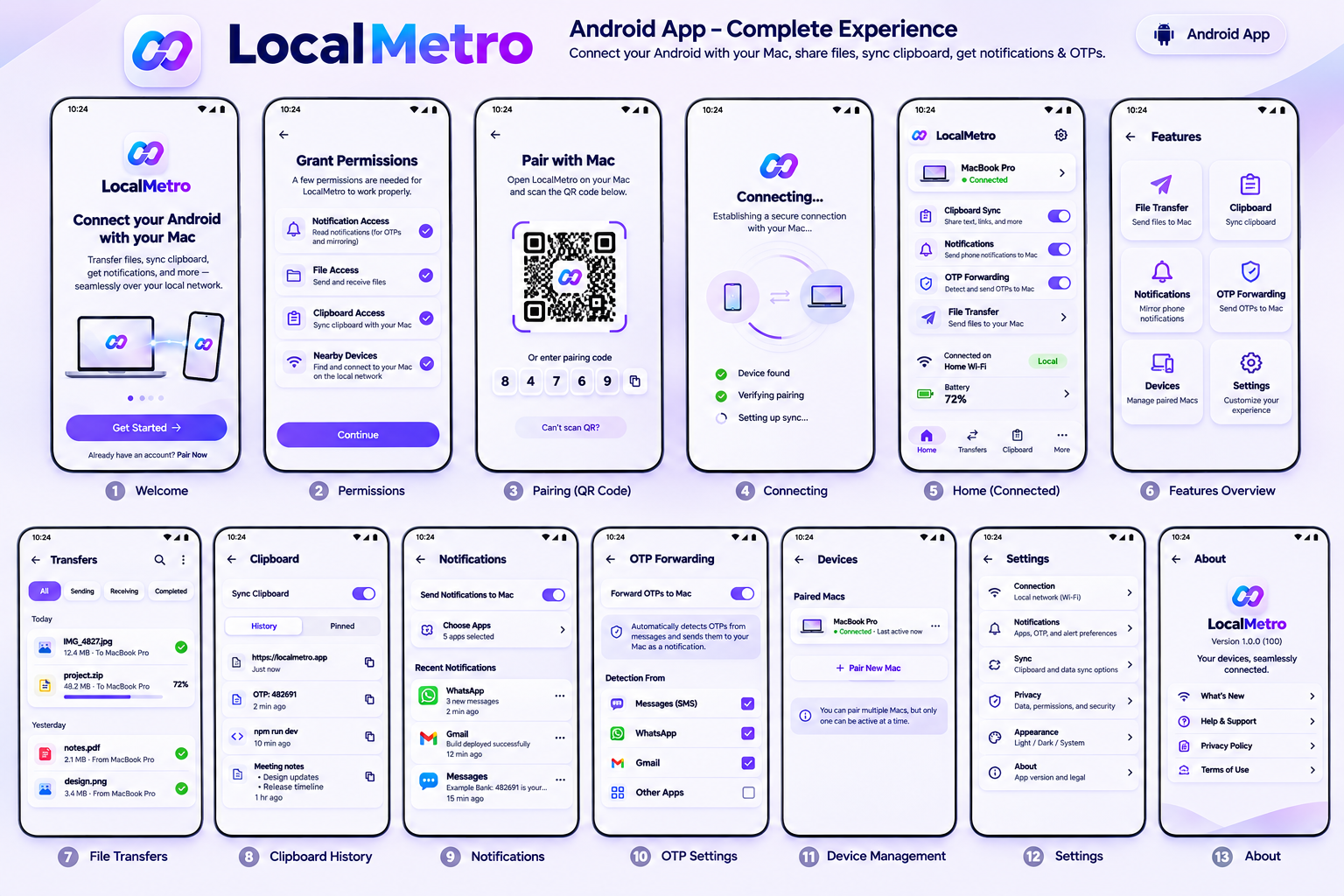
Android Design System (Material 3 Expressive)
13-screen architecture built in modern Jetpack Compose with Material 3 dynamic color, smooth transitions, and background services.
Protocol & Connection Architecture
Zero proprietary black boxes. LocalMetro uses standard length-prefixed JSON frames over raw TCP sockets, advertised over mDNS and UDP.
4-Tier Connection Fallback (ADR-010)
LocalMetro tries faster and more direct physical links first before falling back to network broadcasts:
Direct USB-C cable link (192.168.42.x subnet). Works in airplane mode, zero Wi-Fi interference, maximum transfer speed.
Discovers the Mac's _localmetro._tcp service via Apple Bonjour & Android NsdManager. Zero configuration.
When phone provides hotspot to Mac, mDNS is blocked by Android AP isolation. LocalMetro uses UDP gateway beaconing to :47655 to bridge.
End-to-end encrypted WebSocket tunnel when devices are on separate cellular connections.
{
  "v": 1,
  "id": "e4f8b1a2-3c4d-4e5f-a6b7-c8d9e0f1a2b3",
  "type": "clipboard",
  "sentAt": "2026-11-15T13:37:00Z",
  "payload": {
    "text": "https://github.com/0xdps/local-metro",
    "format": "text/plain",
    "sourceDevice": "Pixel-9-Pro"
  }
}just protocol-check● 100% Type-SafeHow LocalMetro Compares
Designed specifically for people who refuse to switch from Android to iPhone just to get seamless Mac desktop integration.
| Feature | LocalMetro | Apple AirDrop | KDE Connect | Pushbullet |
|---|---|---|---|---|
| Android ↔ macOS Native Support | Native (SwiftUI + Compose) | No (iOS only) | Partial (Qt UI wrapper) | Web/Electron only |
| Zero Cloud / 100% Peer-to-Peer | Yes (Direct TCP LAN/USB) | Yes (Apple devices only) | Yes (LAN) | No (Remote servers) |
| SMS 2FA / OTP 1-Click Copy | Yes (Native macOS banner) | iOS + macOS only | No | No (Plain text notification) |
| Universal Bi-directional Clipboard | Yes (< 1ms sync) | iOS + macOS only | Yes (Manual sync) | Yes (Cloud relay lag) |
| Native macOS Menu Bar Agent | Yes (LSUIElement + Popover) | Built-in (iOS only) | No (Dock icon/Window) | No |
| Hotspot & USB Tethering Fallback | Yes (4-tier discovery) | No (Same Wi-Fi required) | No (Fails on hotspot AP) | Needs active Internet |
| Account / Sign-in Required | Never (Zero accounts) | Apple ID required | No | Yes (Account required) |
| Pricing & Open Source | 100% Free & Open Source (MIT) | Proprietary | Free & Open Source (GPL) | Subscription ($40/yr) |
Connect your Mac & Android in under 30 seconds.
No credit card. No account sign-up. No cloud servers. Just scan the pairing code on your screen and your devices stay linked over Wi-Fi.